
Contacts and organization
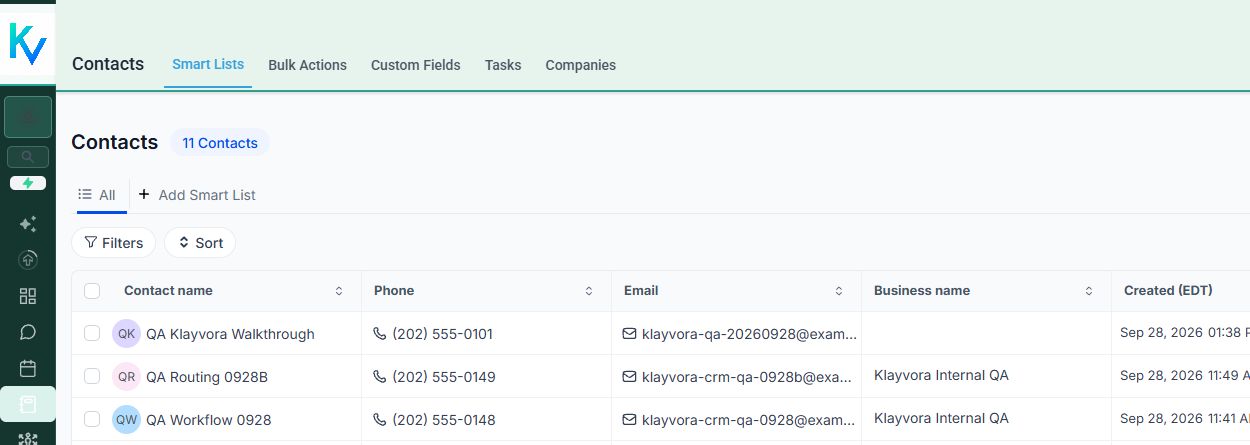
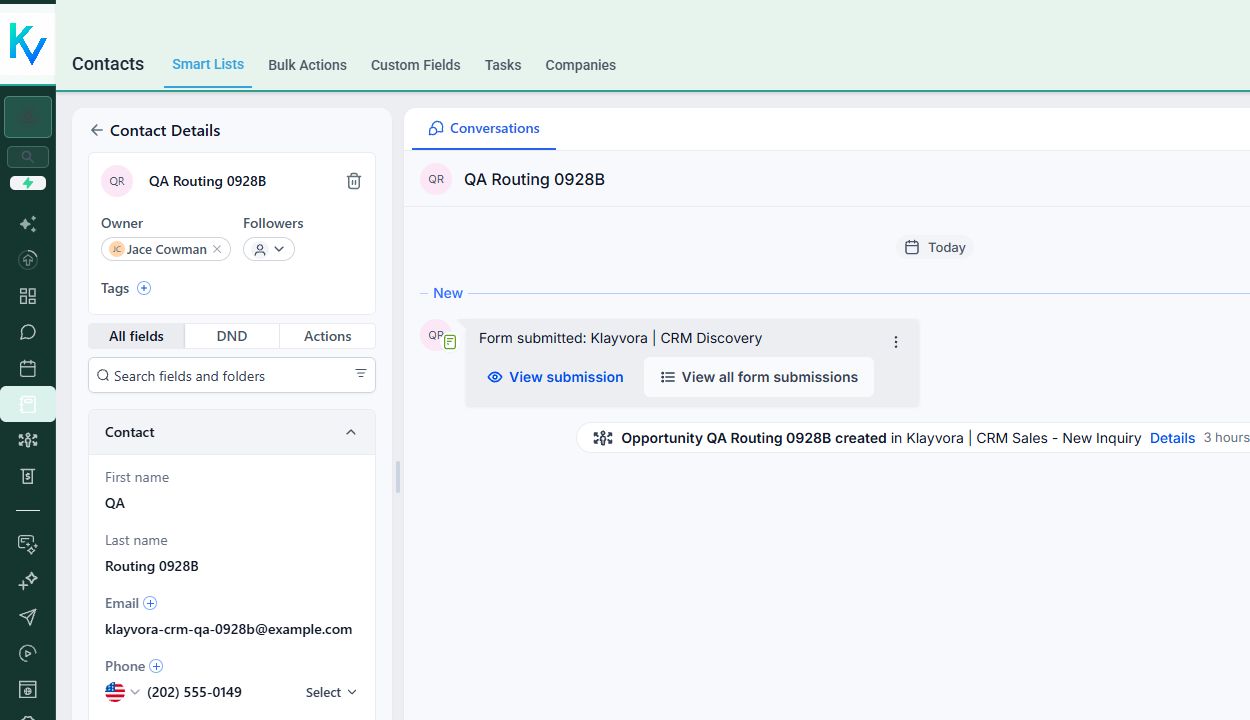
Keep contact details, tags, custom fields, notes, and activity in a searchable record. Define the fields that matter to your process.
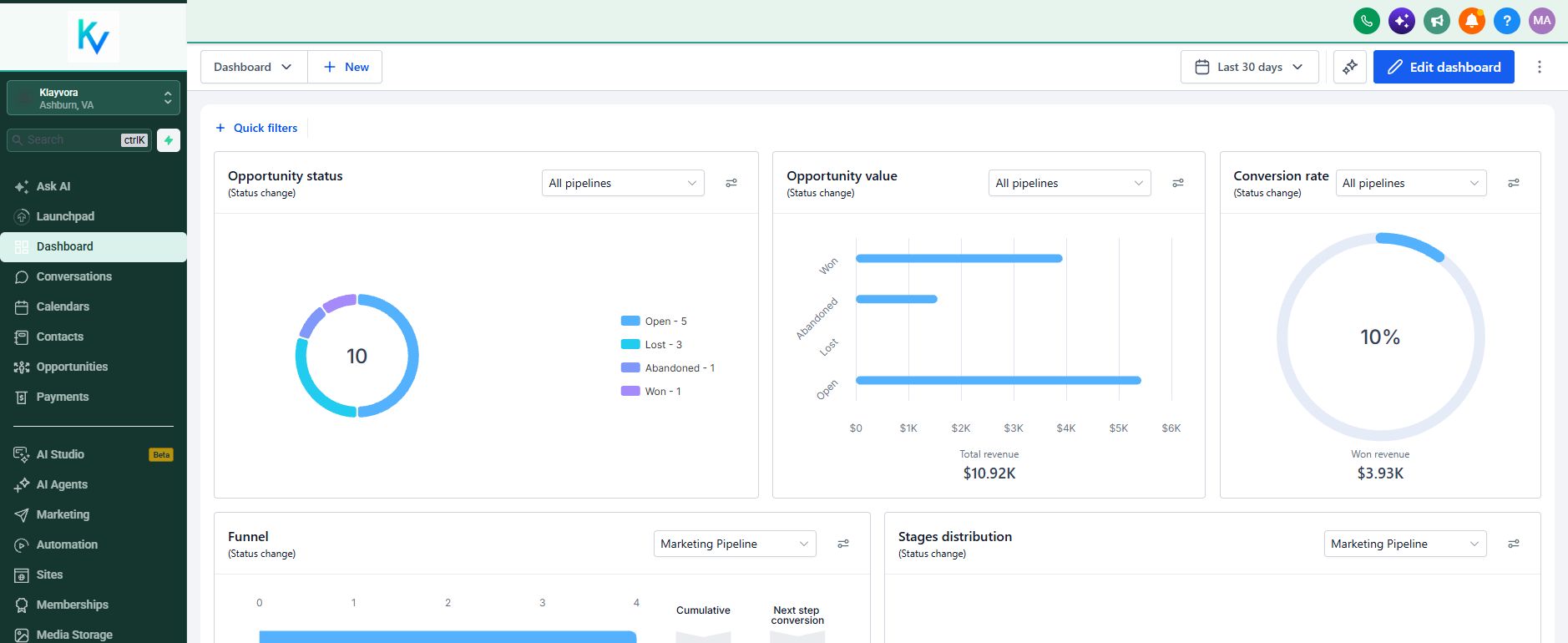
Contacts, conversations, opportunities, and follow-up live in a workspace we configure around your team. Here is what the product actually looks like.
See it with usCaptured from our Klayvora CRM. The workspace is real; example records and figures are not evidence of customer performance.
We turn the platform's capabilities into a usable process, then train the people who will run it.
Keep contact details, tags, custom fields, notes, and activity in a searchable record. Define the fields that matter to your process.
Work from a shared conversation area with contact context. Calling, SMS, and email become available only after the relevant channel setup and approvals.
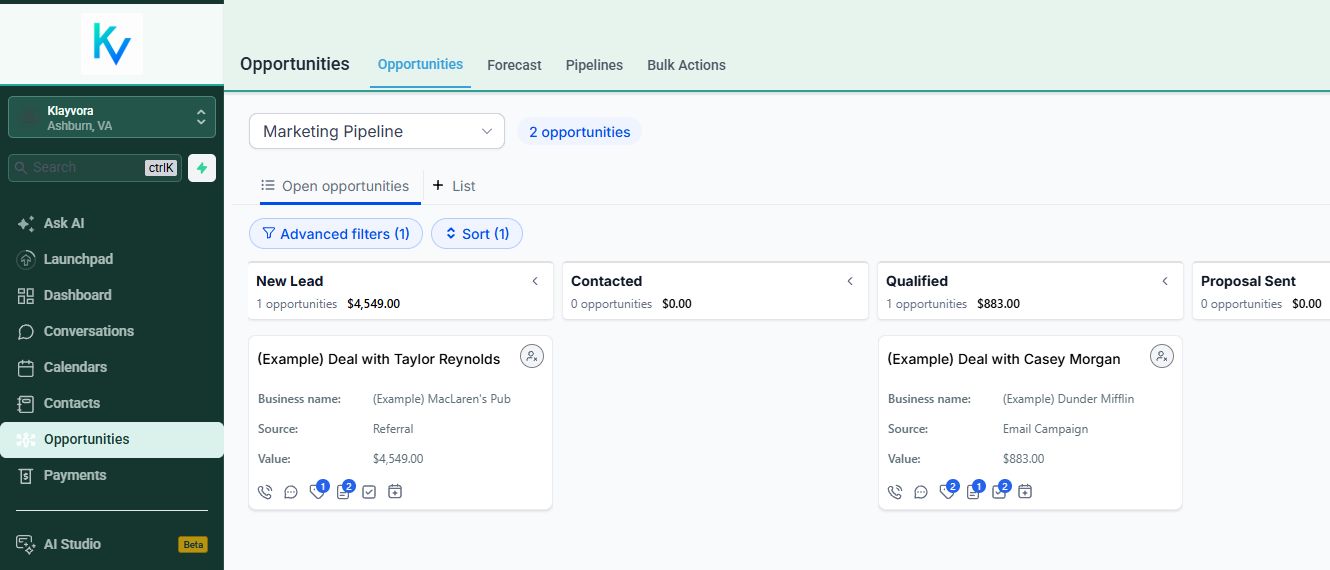
Use stages, values, owners, and filters to make the next step visible. We configure the pipeline to match the decisions your team actually makes.
Assign follow-up work and make responsibility explicit. Team access is reviewed during onboarding so people see the work they should handle.
Connect forms and scheduling to your process. Calendar ownership, availability, and any external booking sync are set up and verified separately.
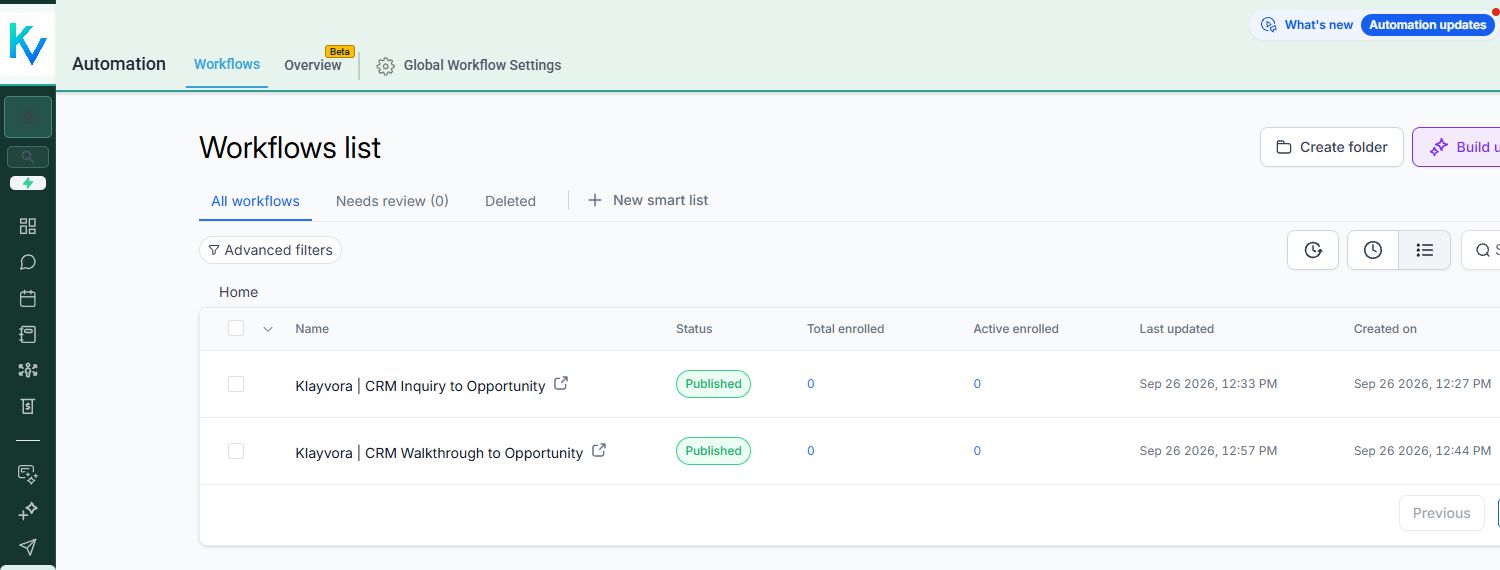
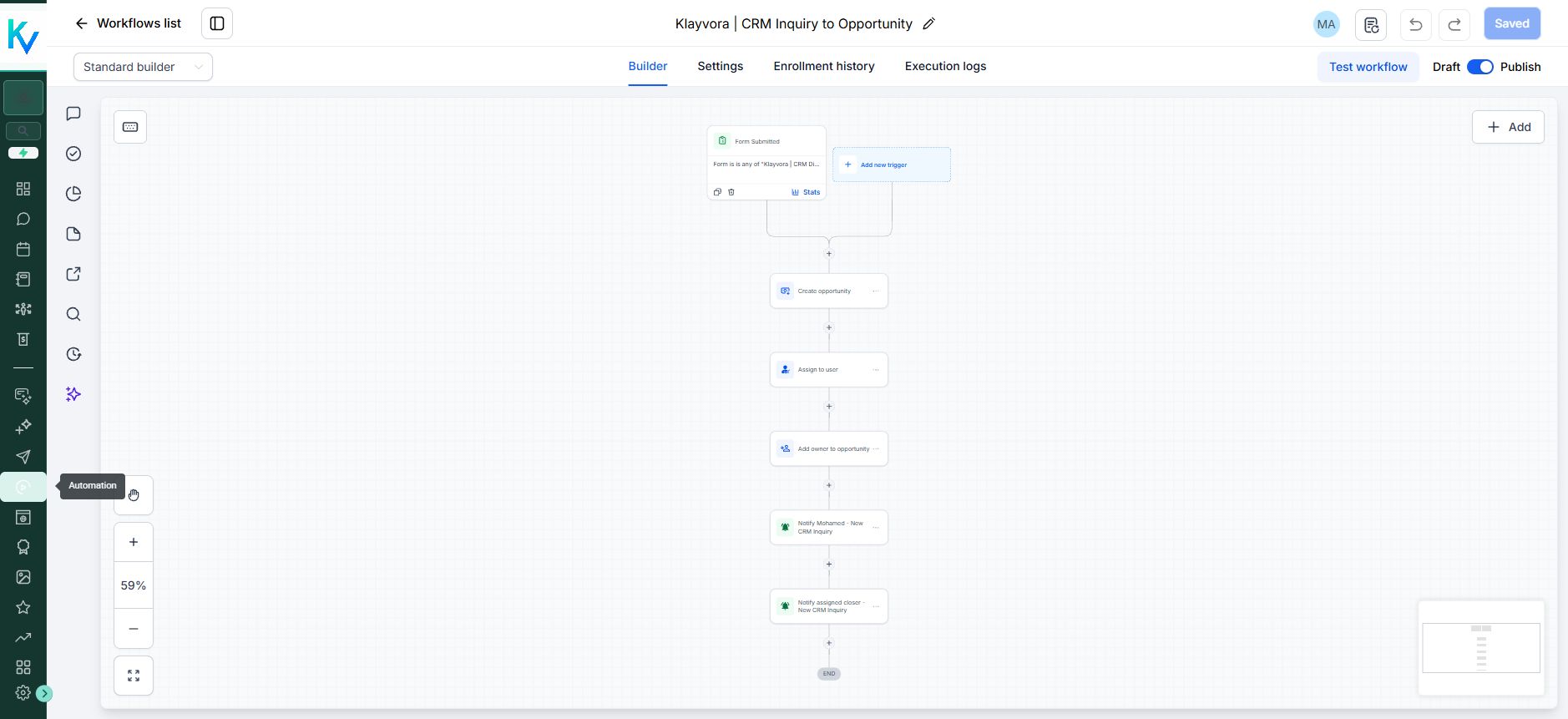
Route new inquiries and maintain opportunity records with tested automations. Additional follow-up logic is designed and approved for each customer.
Segment contacts and build outreach only after sender setup, consent review, deliverability checks, and the required phone or email registrations.
We help configure the customer-facing workspace with your business name, logo, and colors where the account and plan support them. We also tailor stages, fields, forms, and team access so the screen your staff opens reflects the way they work. We review the branding in your own workspace before launch; the screenshots above show our Klayvora setup, not a promise that every screen is fully customizable.
A CRM login alone does not include a live phone number, sending domain, SMS registration, email reputation, or every third-party integration. We review those dependencies and any usage charges before turning a channel on.
Tell us where your process gets stuck. We will show you the relevant screens and discuss what a working setup would take.